
Workflow — Step 2 of 6
Generate scope straight from your project documents.
Consight reads your plans, specs, and addenda, then builds the bid packages, scopes of work, and bid forms your estimators would have written by hand.
03 Concrete
05 Metals
23 HVAC
Generate Scope
Turn your project documents into structured bid forms quickly
- Reads drawings, specs, and addenda
- Splits work into trade bid packages
- Drafts scopes of work per trade
- Builds bid forms ready to send
- Flags missing and conflicting scope
- Adds addenda as document revisions
- Fully editable before it goes out
- Reusable templates per project type
- Exports to your existing workflow
Packages and trades
Trade packages built from the documents, not guesswork
Consight maps every specification section to the right trade, so each package carries the drawings, notes, and exclusions that actually apply to it.
Learn more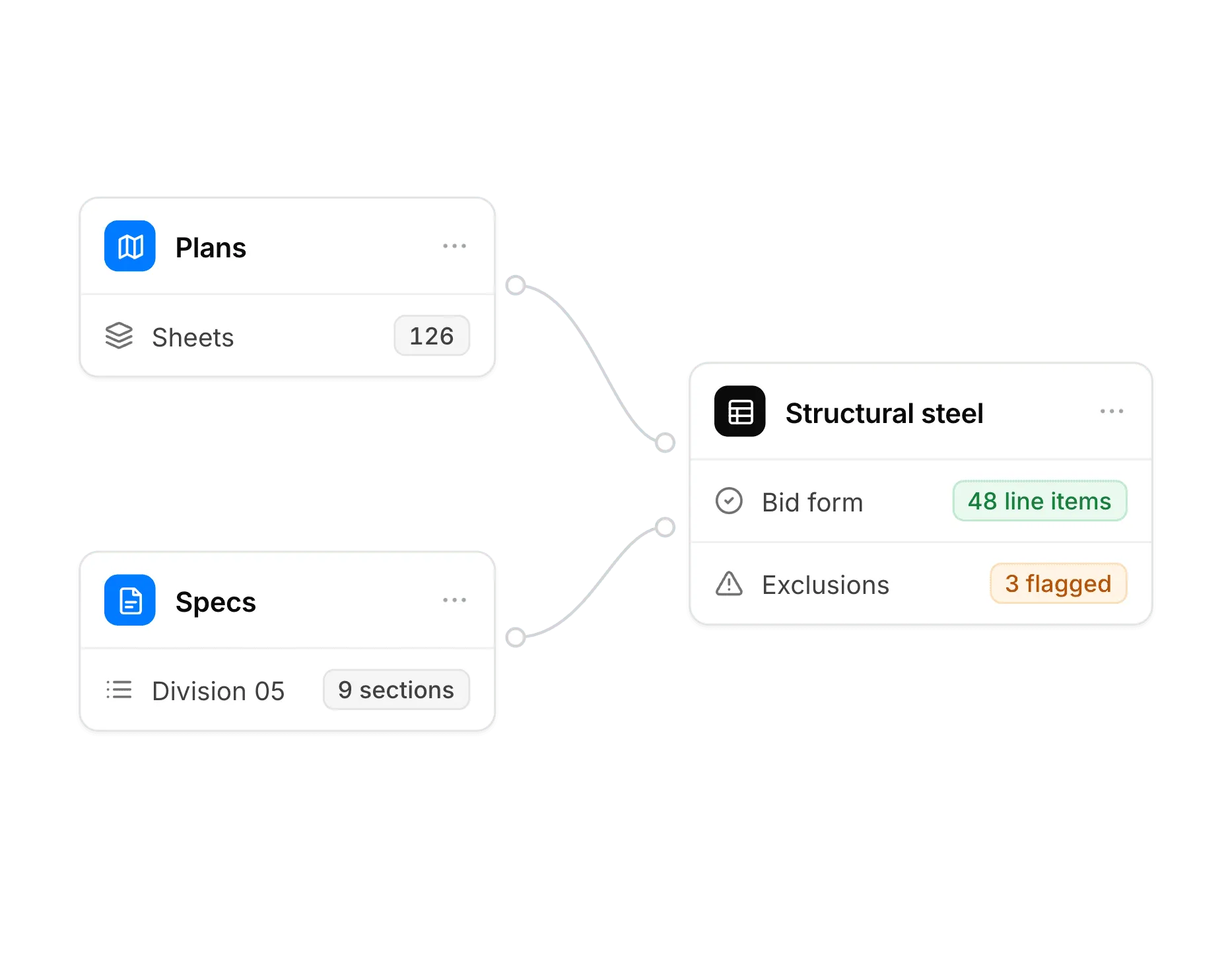
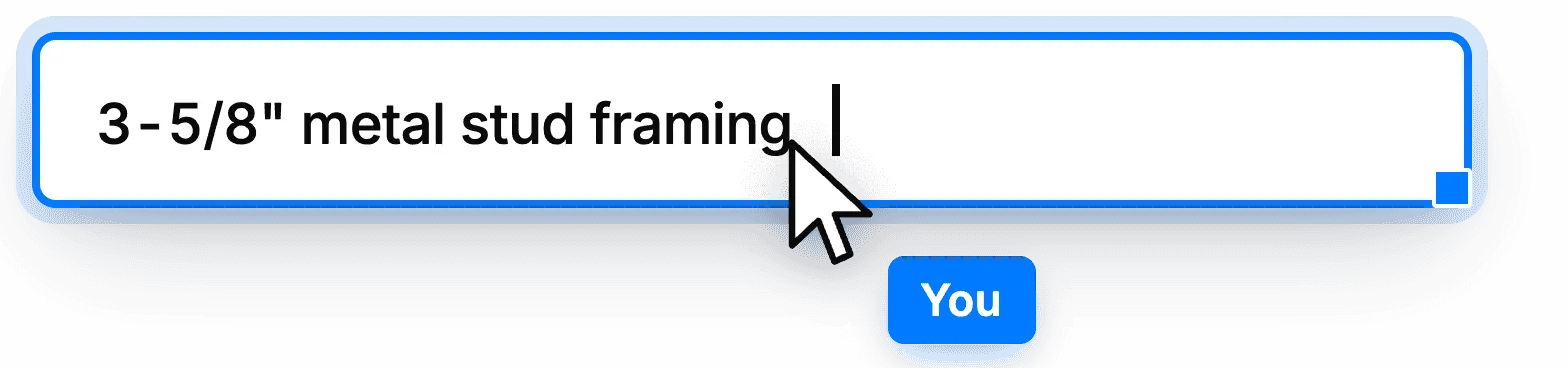
Editable scope sheets
Review the generated scope line by line against the source documents and adjust inclusions before the package goes out.
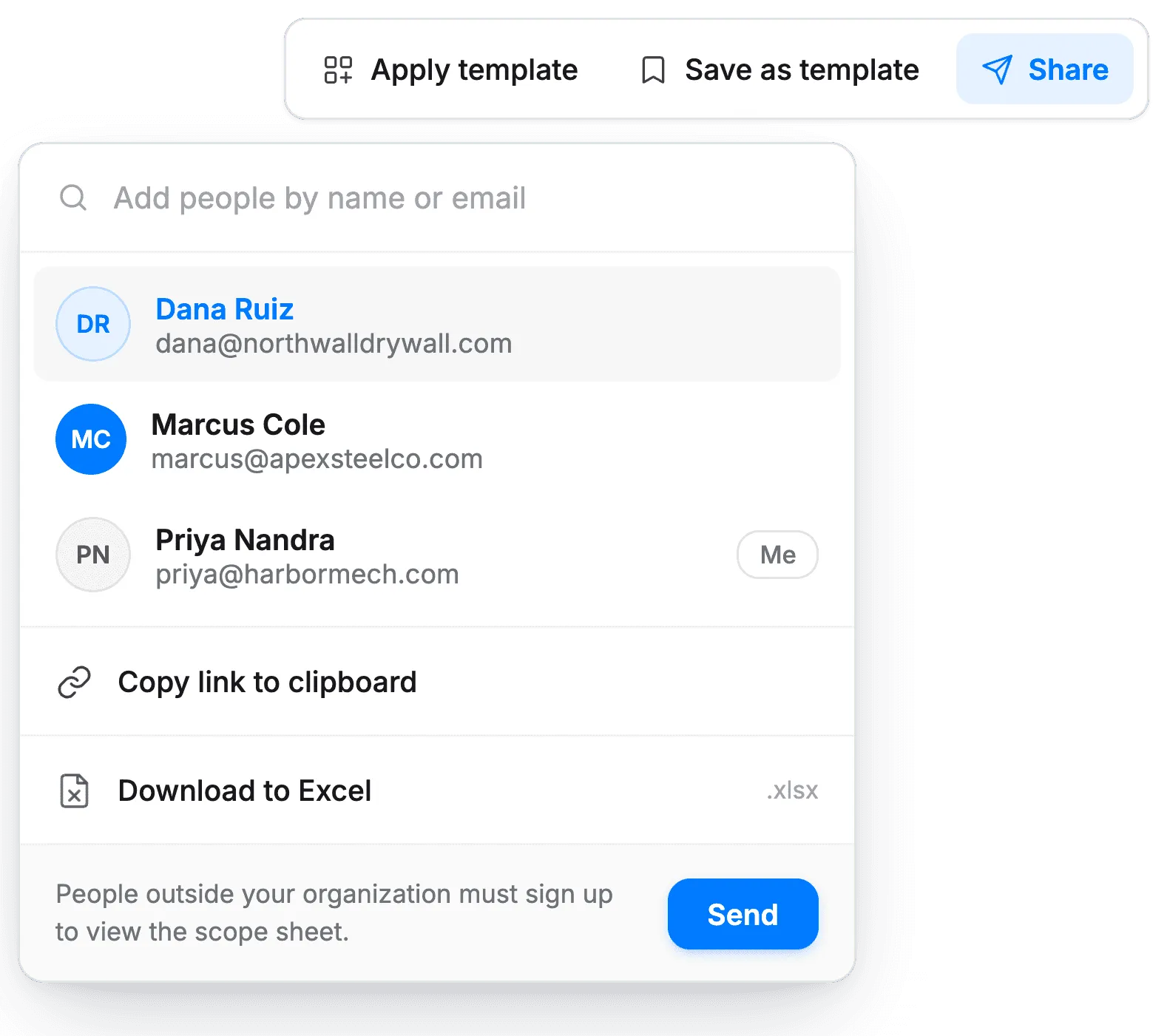
Bid forms and exports
Send consistent bid forms to every trade and export the finished scope into the tools your team already runs.
Up next — Step 3 of 6
Invite bidders and track responses
Send trade-specific invitations from the package you just built, then see who commits.
Scope generation questions
How does Consight generate a scope of work?
Consight reads your drawings, specifications and addenda, splits the work into trade bid packages, and drafts a scope of work and bid form for each trade.
How does Consight decide which trade gets which scope?
Consight maps every specification section to the right trade, so each package carries the drawings, notes and exclusions that actually apply to it.
Can I edit the generated scope?
Yes. Review the scope line by line against the source documents and adjust inclusions before the package goes out to bidders.
Does Consight flag missing or conflicting scope?
Yes. Consight flags a spec conflict when a bid contradicts the plans or specs, citing the source it checked, and a scope overlap when the same scope is carried in two bid packages. Addenda are added to the project as document revisions.
Can I reuse scopes across projects?
Yes. Save reusable templates by project type so every new project starts from your team's standard.
How do I set up a bid form so subcontractors price the same scope?
List the scope as line items by trade, ask for a price on each line, unit prices where quantities may change, and alternates, and have bidders state inclusions, exclusions, and qualifications against those lines rather than in a cover letter. Consight drafts that bid form for each trade from your plans and specs, and maps each returned bid back to the same lines.
Can I send generated bid forms to subcontractors?
Not from Consight yet; bidder invitations are coming soon. Today, export the package's scope sheet to Excel and send it with your invitations from BuildingConnected or email.