
Workflow — Step 1 of 6
Start every project from one document set.
Drag in plans, specs, addenda, and bid forms. Consight indexes every page, detects revisions, and gets the whole set ready for scope generation while uploads are still running.
142 sheets · 186 MB
Uploaded380 pages · 24.1 MB
Uploaded41 pages · 3.8 MB
Uploaded62 pages · 12.6 MB
UploadedUnit price schedule · 412 KB
UploadedUpload documents
Plans, specs, addenda, reports and bid forms
Drop files here or browse
PDF, XLSX, DWG · up to 2 GB per file
142 sheets · 186 MB
Uploaded380 pages · 24.1 MB
Uploaded41 pages · 3.8 MB
Uploaded62 pages · 12.6 MB
UploadedUnit price schedule · 412 KB
UploadedUpload documents
Plans, specs, addenda, reports and bid forms
Drop files here or browse
PDF, XLSX, DWG · up to 2 GB per file
Upload Documents
Get every plan, spec, and bid form into one organized workspace
- Drag and drop plans, specs, and addenda
- Bulk uploads with no page or file-size limits
- Automatic revision detection on re-uploads
- Folder tree for bids, packages, and documents
- Every page indexed and searchable
- BuildingConnected documents sync in
- Connie answers while files are still processing
- Sheet-level status for every document
- Ready for scope generation in minutes
Files workspace
One home for project documents, bids, and bid packages
Browse the full project through a folder tree, open any document directly from the Files tab, and jump from search straight to the project or bid package it belongs to.
Learn more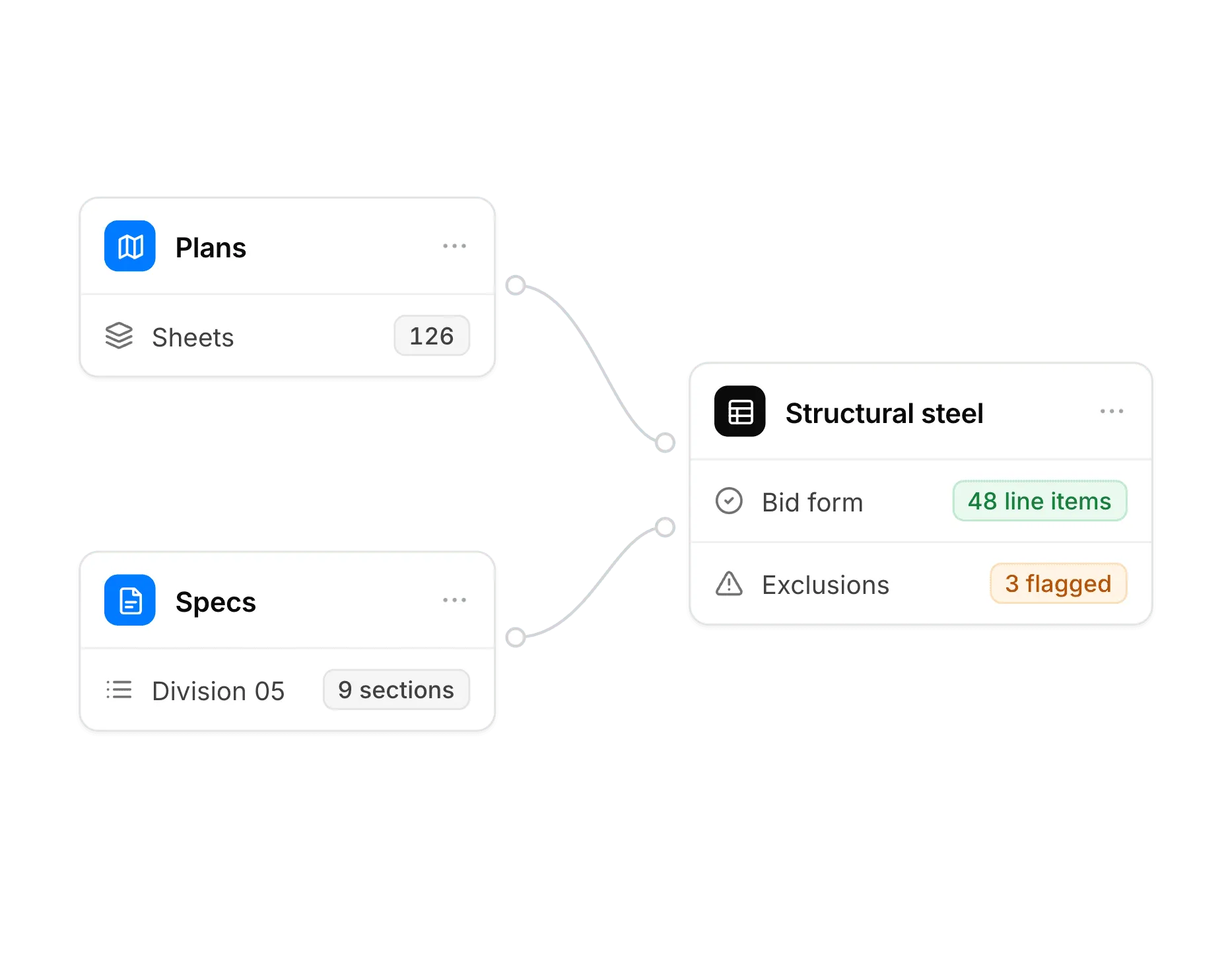
Revision detection
When an upload looks like a revision of an existing sheet, Consight flags it and asks you to confirm uncertain matches, so nothing gets silently replaced.

Ask Connie about your documents
Search across plans, specs, and bids from one assistant. Connie can answer from files that are ready while the rest continue processing.
Up next — Step 2 of 6
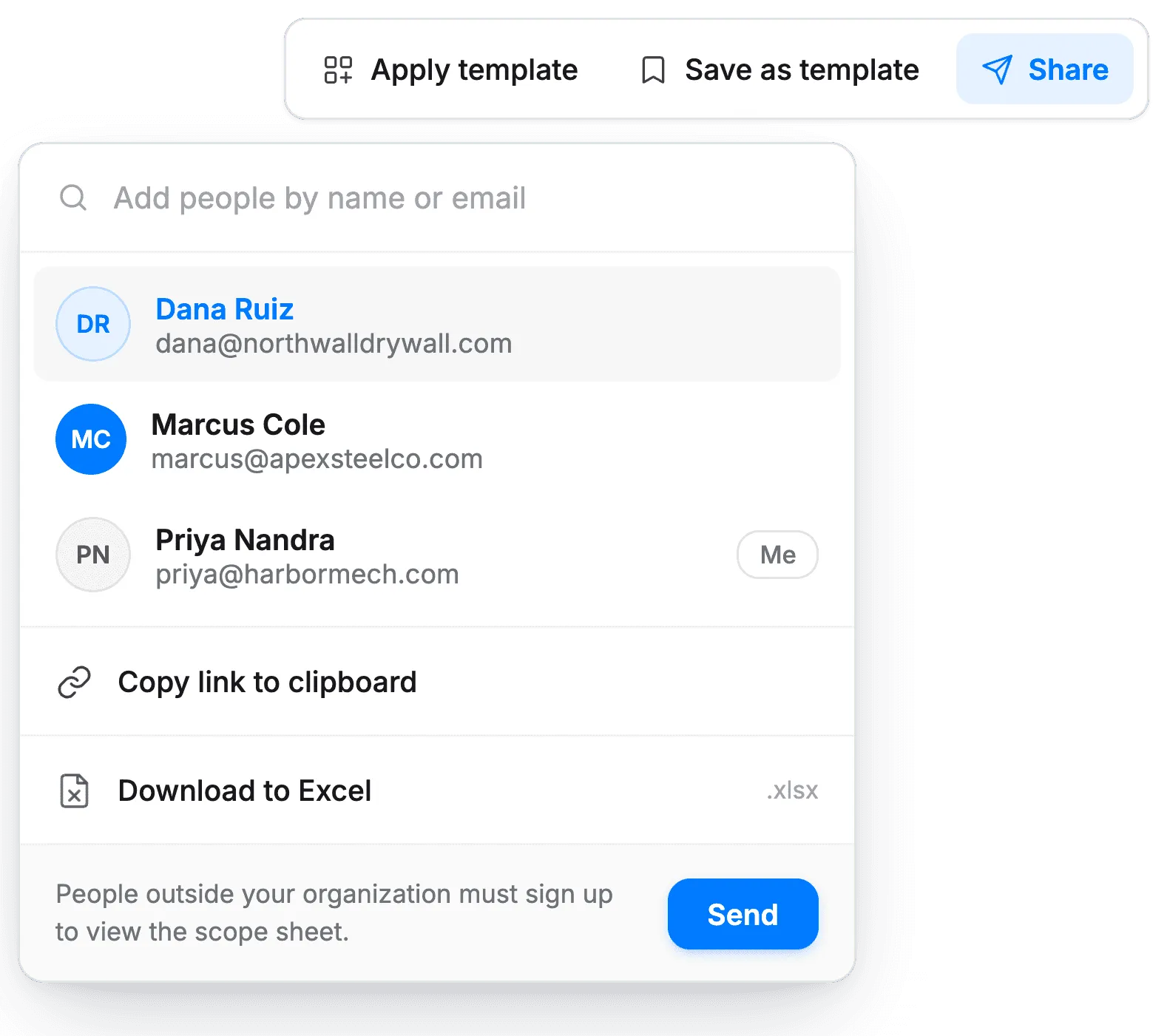
Build scope straight from your bid set
Consight reads the documents you just uploaded and drafts bid packages, scopes of work, and bid forms.